Github Page Customization
Create a Github Page
We will skip creating Github page tutorial and installing Jekyll theme as there are already many available contents in Google
I am going to use https://github.com/StartBootstrap/startbootstrap-clean-blog-jekyll for the tutorial.
Please follow the instructions on the above Github repository for installation
Below shows the preview of the vanilla page

Starting with basic Initialization
The first thing you will do is change the name of the blog or change the image and delete some pseudo-posts
Former is simple, you just delete files under _posts tab and change the contents in config.yml.
Next, I deleted some of the contents in _layout/home.html, and changed background img
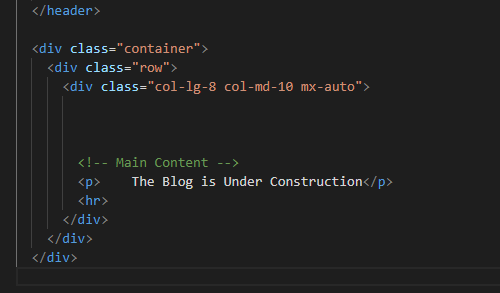
Now my main page looks like this:

I am planning to put my own feature into the main page later.
Adding additional Link
I would like to add additional content at top bar that links to my Github.
Under _includes, there is a file named “navbar”.html
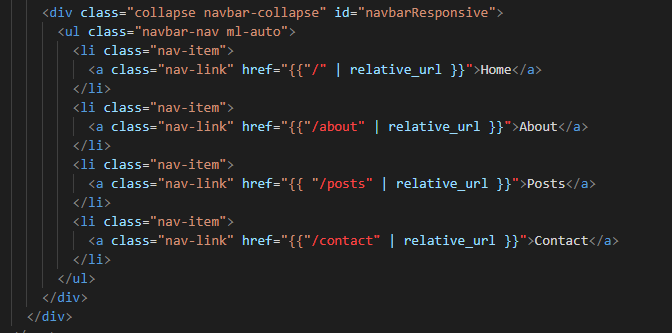
Add
<li class="nav-item">
<a class="nav-link" href="https://github.com/hslrock">Github</a>
</li>
in amy position. The result will be:

Next we will discuss the organizing the posts into different categories